Welcome to iAdsBiz. This guide will give you an overview and help you manage your services.
Logging On
| Instructions | What this step looks like |
|---|---|
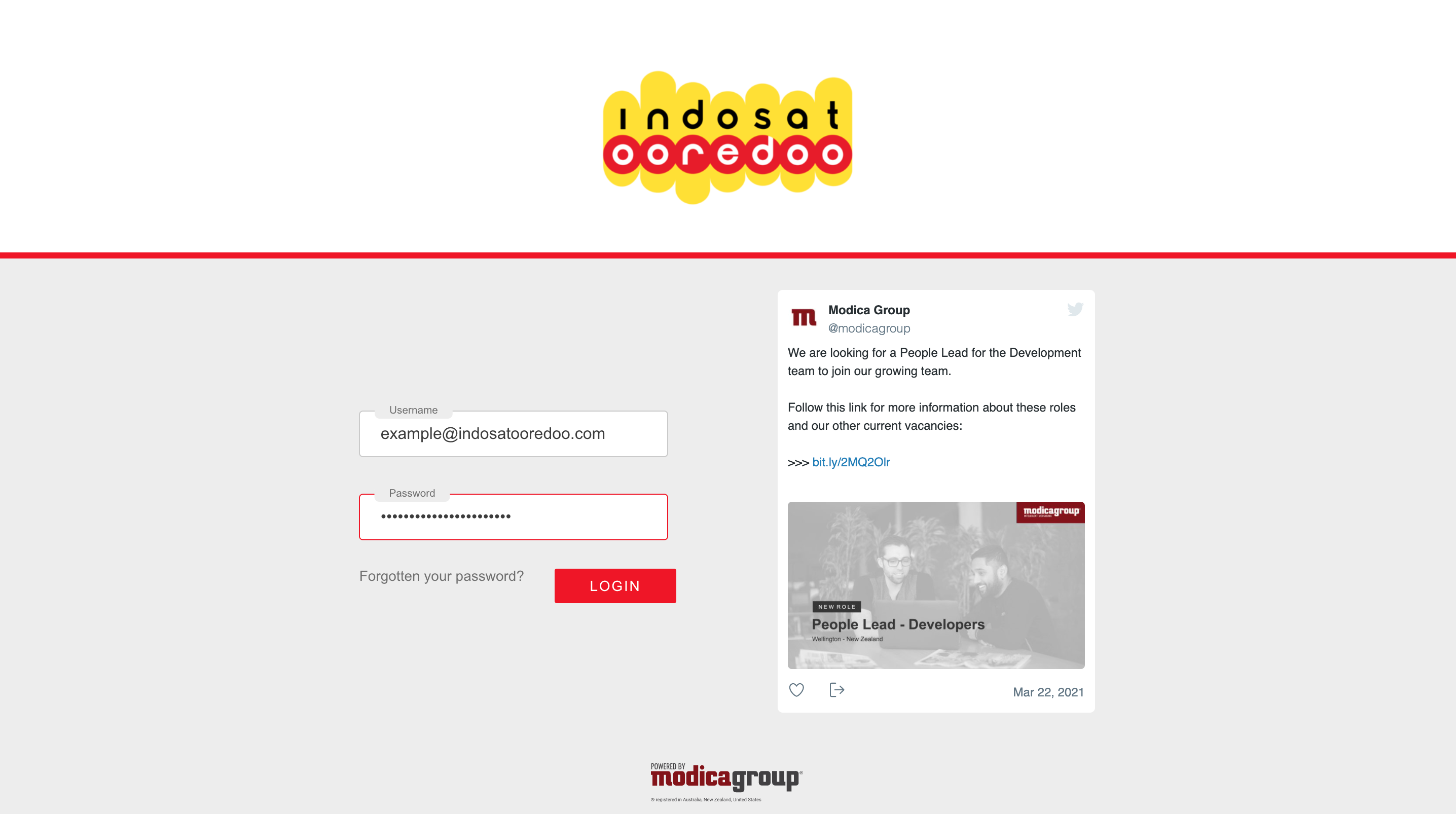
| You can log into iAdsBiz by going to this URL : https://indosatooredoo.modicagroup.com/ | 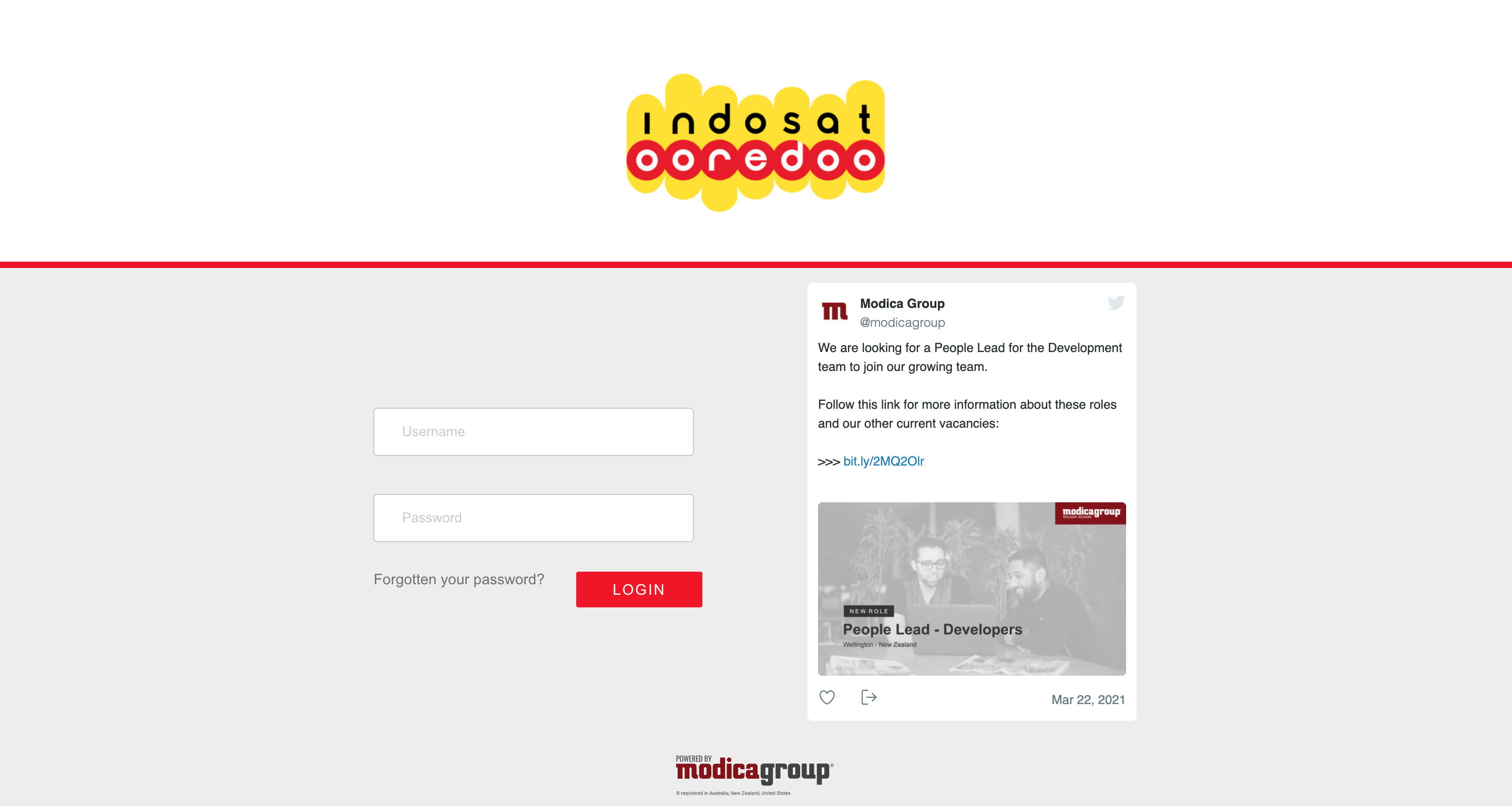 |
| — | — |
|
 |
Dashboard
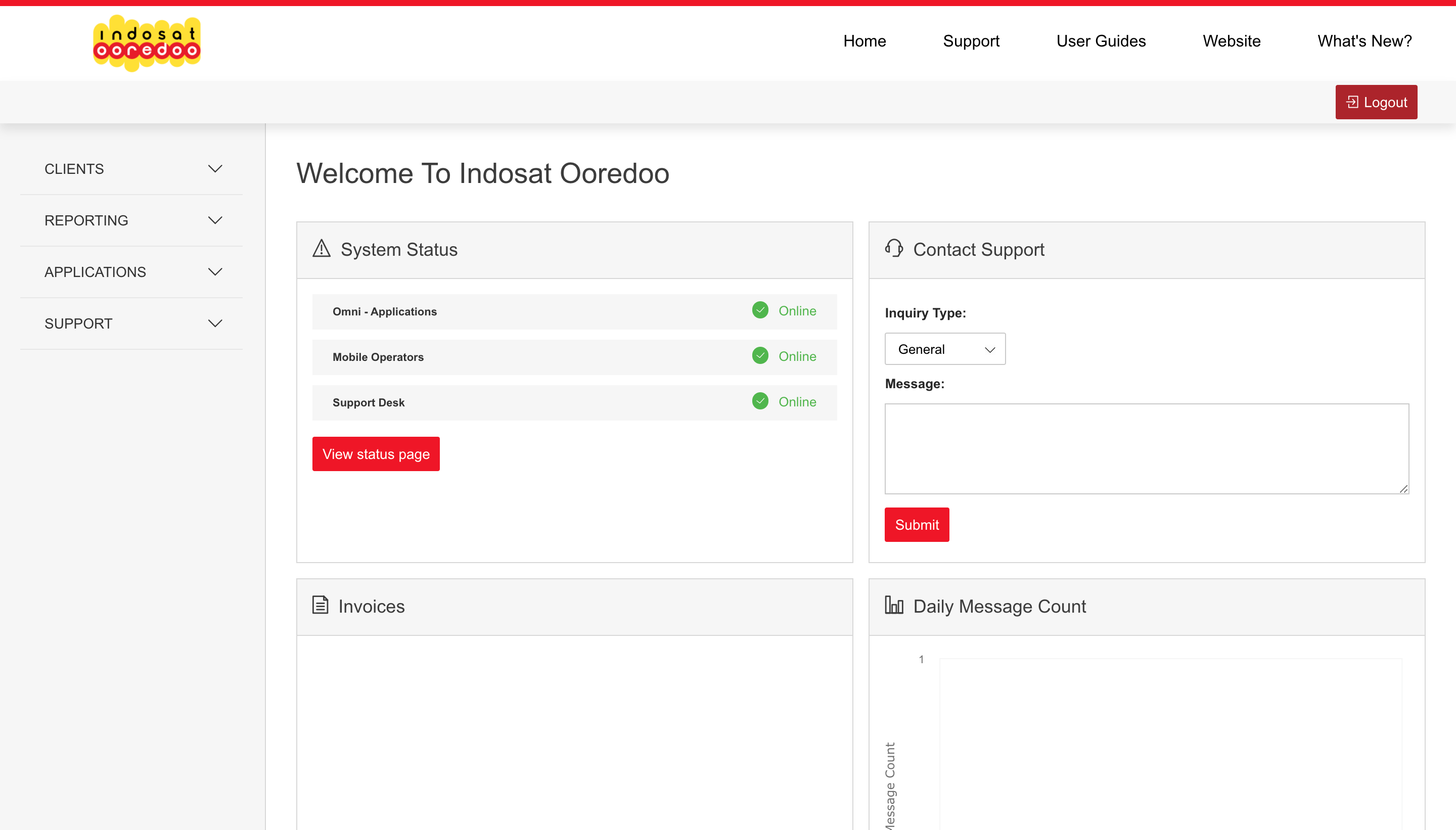
After logging in you’ll see your iAdsBiz Dashboard.
This is an overview that shows you:
-
System Status
-
Daily Message Count
-
Recent Invoices
-
Access to any relevant news or updates.
The main navigation is on the left-hand side of the screen.
Support Tickets
Simply create a support ticket by sending an email to support@modicagroup.com.
You will receive an automated acknowledgment, with your ticket number. Support will get back to you as soon as they can, usually within 24 hours.
Main Navigation Menu
You will see this down the left side of the platform.
Send Messages
This drop-down is where you’ll navigate to
-
The applications/services you have for sending messages, as well as
-
Configuration for sending of messages via Email2SMS
-
Additional Message Settings; Sending Hours, for extra control over the hours your business chooses to send messages
Integrations
This is where you will locate API Configuration, as well as security API and third-party applications such as Zapier and Salesforce CRM
Tools
Tools are available to support sending of messages, such as Link Shortening, or a manual Character Set Checker.
This is also where you will find supporting Help documentation.
Data & Insights
This is where you can look up message volumes, mobile numbers, and delivery receipts for services you have.
For additional information on the various reports please visit Data and Insights
Finance
Depending on your permissions you will be able to view financial things. This includes viewing invoices, payment methods, and seeing statements.
Marketplace
A location to explore all available products and services, as well as those under development, or being considered for upcoming development.
Clients
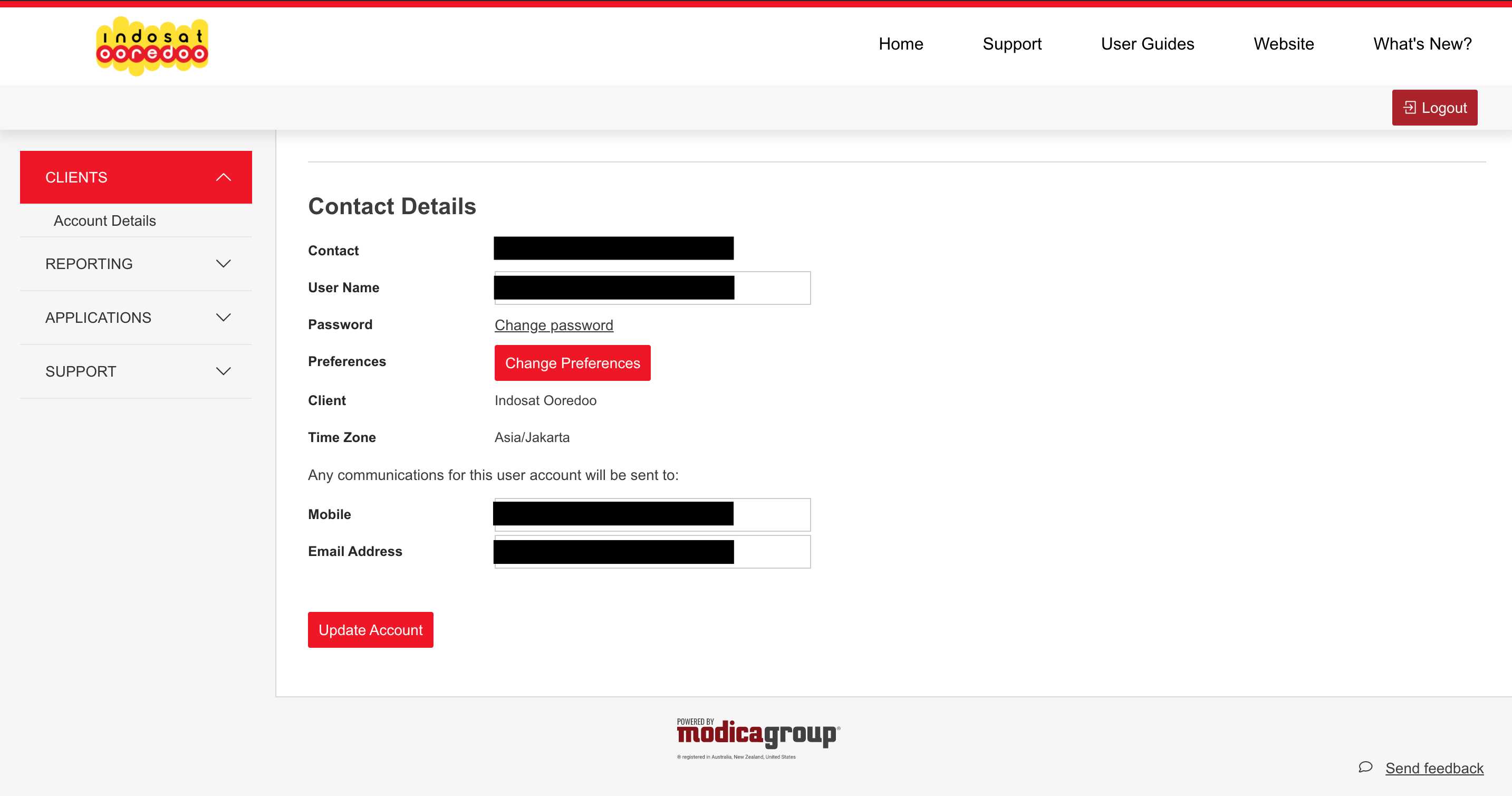
Account Details
This is where you can reset your password. If you have admin rights you can edit the permissions under your business account.
Top Menu Navigation
This is along the top of the platform.
Network Status
This link connects you to the Modica Network Status page and gives you information about any technical issues.

Notifications / System Alerts
Modica recommends users subscribe to our events notification process.
Once on the page, you can add your email address. Any outages and outage updates will be emailed to those that are subscribed.
There are a number of other notification processes depending on the application type you have. Please discuss your requirements with your account manager, so we can ensure you are informed as much as you need to be.
Help Docs
This section links you through to the Modica document repository.